WordPress Website Design for Small Business: The Complete Guide to Building a Website That Works

If you’re a small business owner, you already know this: your website is the new storefront. It’s the first impression customers get, whether you’re a local coffee shop, a consultant, or a boutique selling handmade jewelry. And let’s be real—if your website looks outdated, clunky, or confusing, visitors will bounce faster than you can say “back button.”
That’s why having a professional, user-friendly site is no longer optional—it’s the foundation of your marketing strategy. The good news? With WordPress website design for small business, you can build a site that doesn’t just look good but actually works hard for your brand: bringing in leads, building trust, and helping you grow.
In this guide, I’ll walk you through why WordPress is such a powerful choice for small businesses, what features you need, design tips that actually move the needle, and even a step-by-step launch roadmap. Think of this as your no-fluff playbook to creating a site that looks amazing and gets results.
Why WordPress is a Smart Choice for Small Business Websites
WordPress isn’t just a blogging tool anymore. It powers over 40% of all websites online today, from massive corporations to tiny startups. Here’s why it’s a go-to for small businesses:
Flexibility & Scalability – Whether you’re starting with a simple brochure site or planning to expand into e-commerce, WordPress can grow with you. No need to switch platforms later.
Cost-Effectiveness – You can start small with DIY templates and later invest in custom design as your budget grows. The open-source nature keeps costs lower compared to some proprietary platforms.
Plugin Ecosystem – Want online booking? Membership logins? SEO tools? WordPress has 59,000+ plugins (many free) that add functionality without reinventing the wheel.
SEO Advantages – Out of the box, WordPress is built with SEO in mind. Pair it with plugins like Yoast or RankMath, and you’re giving your business a serious Google-friendly edge.
For small businesses, it’s hard to beat that combination of affordability, flexibility, and growth potential.
WordPress vs. Other Platforms for Small Business
Before we go all-in on WordPress, let’s do a quick reality check against its main competitors:
Squarespace – Gorgeous templates, easy to use, but limited customization. Great for ultra-simple sites, but businesses often outgrow it.
Wix – Drag-and-drop simplicity, but can get clunky and has fewer professional integrations. Scaling beyond the basics can be tough.
Shopify – Excellent for e-commerce, but not ideal if your business is service-based or content-heavy.
Where WordPress wins: total ownership, full customization, and unlimited scalability. You’re not boxed into one way of doing things, and you’re not renting space on someone else’s platform—you own your digital real estate.
Essential Features Every Small Business WordPress Website Needs
Not every website needs all the bells and whistles, but there are a few must-haves if you want your site to actually do its job:
Mobile-Friendly Design – Over half of web traffic is mobile. If your site looks broken on a phone, you’re losing customers.
Clear Navigation – Keep menus simple. If people can’t find what they need in 2–3 clicks, they’ll leave.
Contact Forms & Calls-to-Action – Don’t just hope people call you. Give them an easy way to reach out—buttons, forms, or even click-to-call.
Blog/Resource Section – Blogs aren’t just for writers. Posting resources helps with SEO and positions you as an expert.
Integrations – Whether it’s email marketing, booking systems, or e-commerce, WordPress can connect seamlessly with the tools your business already uses.
Think of these as the “non-negotiables” in small business website design.
Design Tips to Make Your WordPress Website Stand Out
Now let’s talk about the fun part: design.
Choose the Right Theme (or Go Custom) – A theme sets the foundation of your design. Free and premium options exist, but if you want a polished, branded look, custom WordPress design is worth it.
Branding Basics – Consistent colors, fonts, and visuals matter more than you think. They build trust and make your business look established.
Use Elementor (or Other Builders) Effectively – Page builders like Elementor give you drag-and-drop control without coding. Perfect for small business owners who want some flexibility.
Focus on UX (User Experience) – Keep layouts clean. Use white space. Don’t overload visitors with too much at once. A simple, intuitive design will always outperform a flashy but confusing one.
Remember: a website’s job isn’t just to look pretty. It’s to guide visitors toward action.
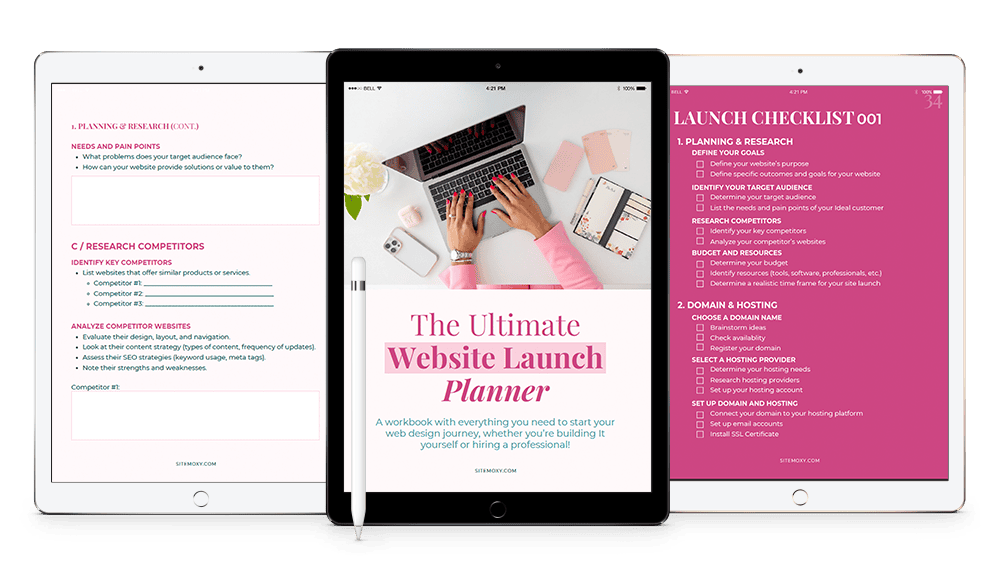
Free Download! The Ultimate Website Launch Planner
Download this free workbook with everything you need to start your web design journey, whether you’re building It yourself or hiring a professional!
The Pros and Cons of Using WordPress for Small Businesses
Like any platform, WordPress has its strengths and weaknesses.
Pros:
Full control and ownership
Endless customization
Strong SEO capabilities
Scales with your business
Cons:
Learning curve for beginners
Requires updates and maintenance
Can be vulnerable if not secured properly
How to Overcome the Cons: Work with a professional designer (hi 👋), use managed WordPress hosting, and keep plugins updated. With the right setup, those “cons” become minor inconveniences at most.
DIY vs. Hiring a Professional Designer
Should you tackle your site yourself or bring in a pro?
DIY is realistic if: you’re on a tight budget, don’t mind using templates, and are willing to spend time learning.
Hire a pro if: you want a custom design, advanced features, or a site that’s conversion-optimized from day one.
Costs range:
Fully custom WordPress website design for small business: $1,800–$10,000+
Think of it this way: a professional site isn’t an expense, it’s an investment that pays you back in credibility and leads.
Step-by-Step Guide: Launching Your WordPress Small Business Website
Here’s a quick roadmap to get you from idea to launch:
Choose Hosting & Domain – A strong hosting provider ensures speed and security. (Think SiteGround, HostGator, or WP Engine.)
Install WordPress – Most hosts make this a one-click process.
Pick a Theme or Builder – Start with something lightweight and mobile-friendly.
Add Core Plugins – SEO (Yoast/RankMath), security (Wordfence), backups (UpdraftPlus), and speed (WP Rocket or similar).
Create Essential Pages – Home, About, Services, Contact, Blog. Keep them clear and simple.
Run a Launch Checklist – Test on mobile, check links, optimize speed, and set up Google Analytics.
Boom—you’re live. 🎉
Optimizing Your WordPress Site for Growth
Launching is just step one. Now you need to grow:
SEO Basics – Do keyword research, optimize titles/meta descriptions, and use alt text on images.
- Speed Optimization – Compress images, use caching, and invest in good hosting.
Ongoing Updates & Backups – WordPress needs regular care. Updates keep your site secure and smooth.
Tracking with Google Analytics & Search Console – Don’t guess what’s working—track it.
These are the behind-the-scenes habits that turn a good site into a great one.
Real-Life Examples of Small Businesses Thriving with WordPress
Here’s where it gets inspiring:
Restaurants
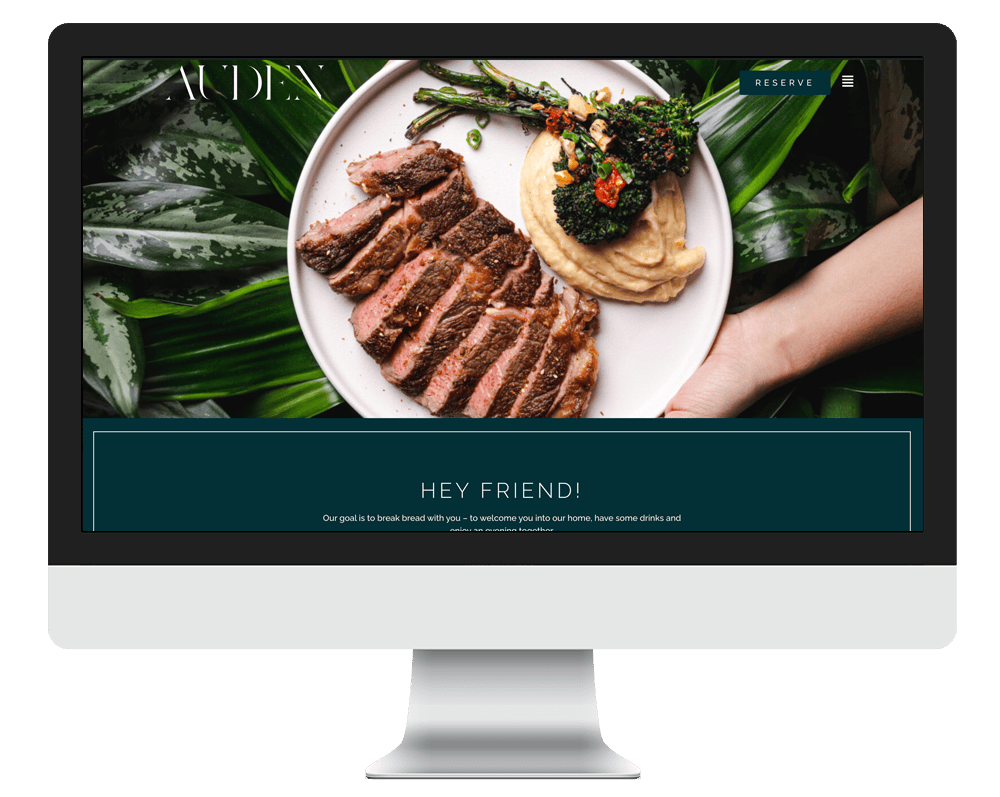
Local eateries use WordPress for menus, reservations, and events—keeping customers engaged and tables full.
Consultants & Coaches
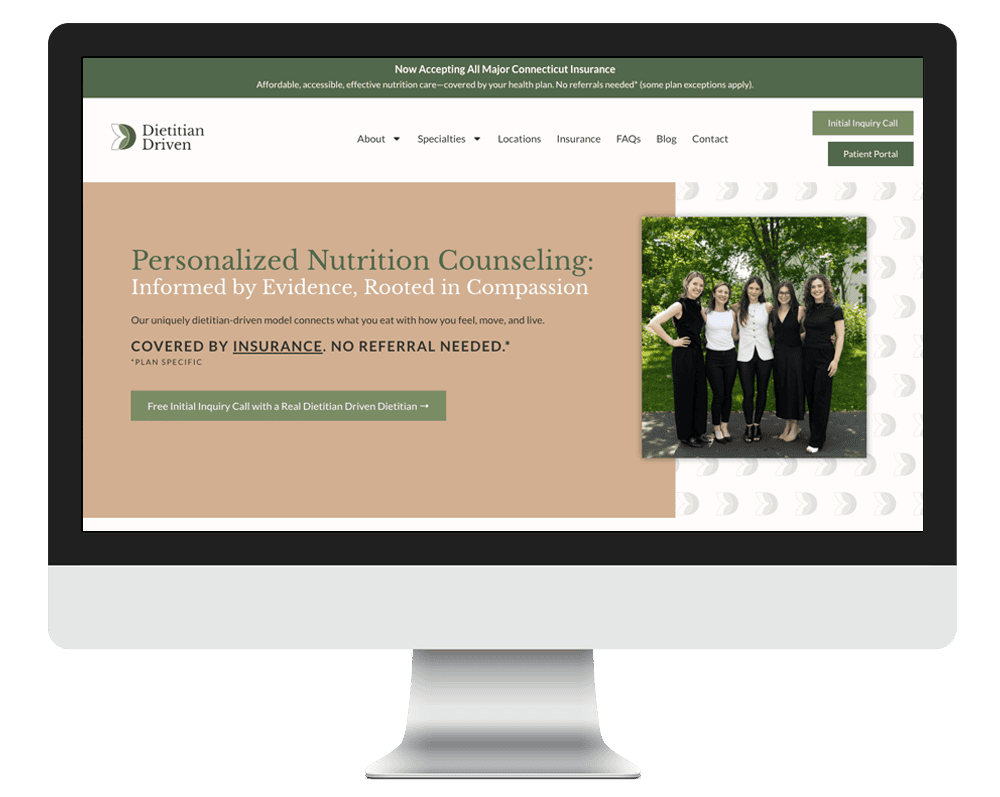
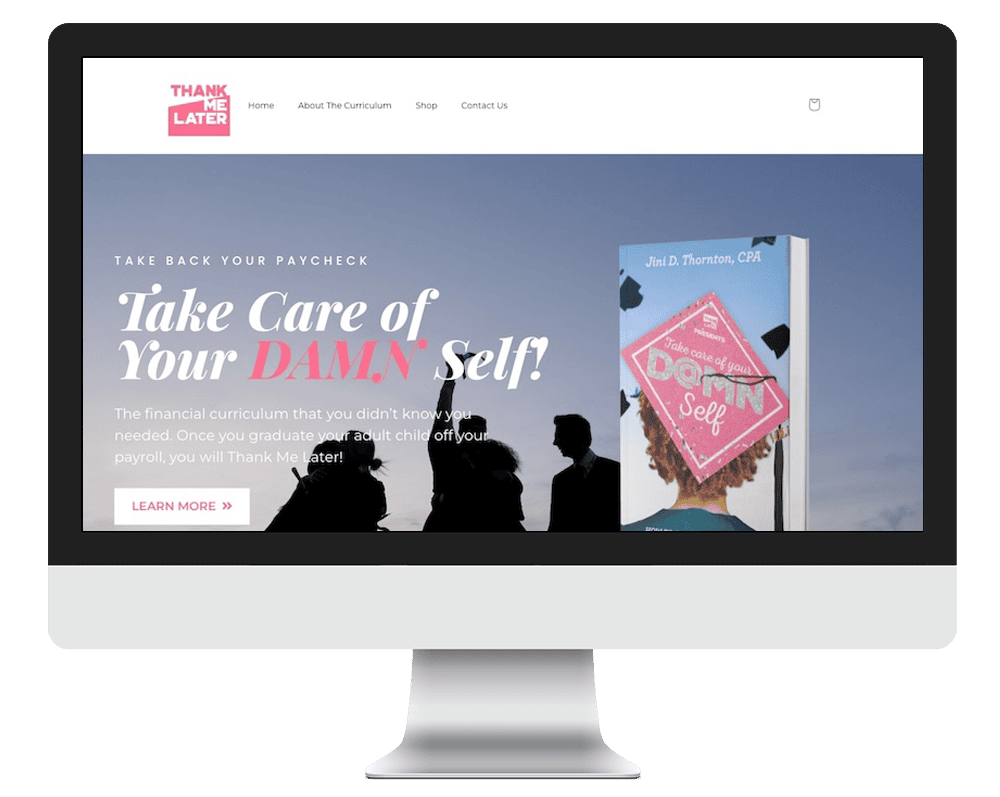
Service providers use WordPress to build authority through blogs, book calls, and sell services.
Education
Educational programs and self help companies use WordPress to share resources, manage courses, and connect with students and parents.
Consultants & Coaches
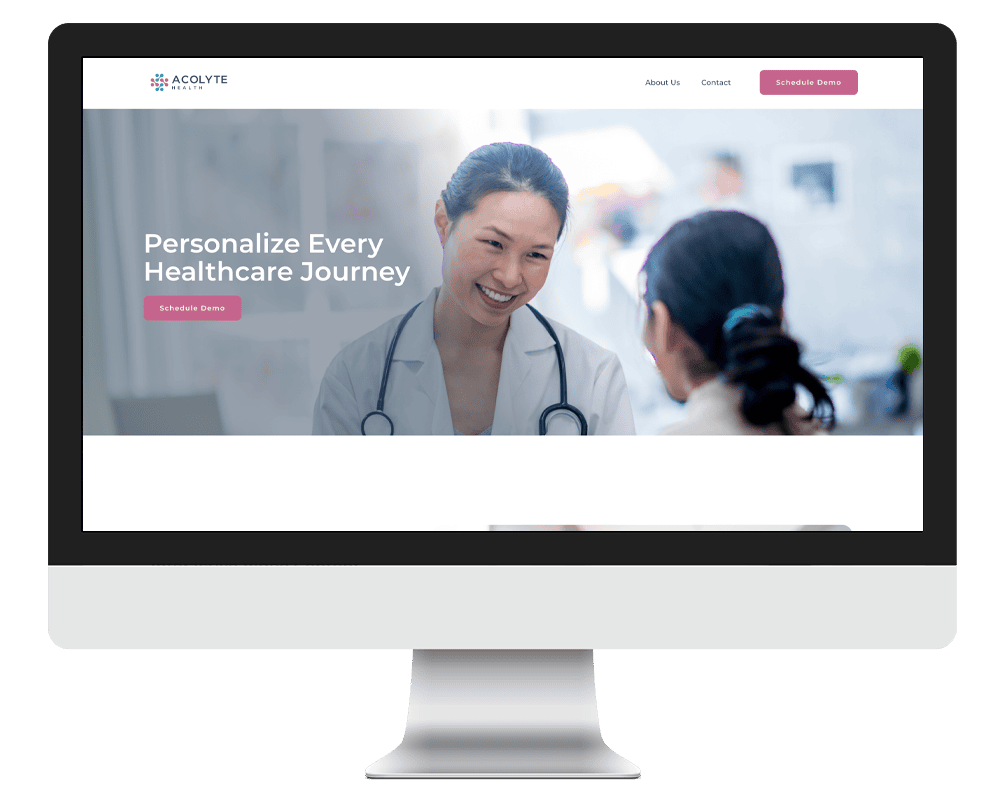
Gyms, yoga studios, spas, and holistic health businesses use WordPress to showcase services, sell memberships or packages, and let clients book sessions online.
The Wrap Up
At the end of the day, your website is more than an online brochure—it’s your small business’s hardest-working employee. And with WordPress website design for small business, you get flexibility, control, and endless growth opportunities.
Whether you’re ready to DIY or you’d rather skip the headaches and work with a pro, the most important step is just starting. The sooner you launch, the sooner your website can start building trust, generating leads, and fueling your business growth.
Let’s talk about your business, goals, and budget. Request a free consultation and we’ll help you choose—and build—a site that works for you.
Free Download! The Ultimate Website Launch Planner
Download this free workbook with everything you need to start your web design journey, whether you’re building It yourself or hiring a professional!
Share:
You May Also Love...




Interested in Custom Web Design Services?